





inFlow Smart Scanner 3 Grip Case with Hand Strap & Removable Pogo Pin Charging Adapter
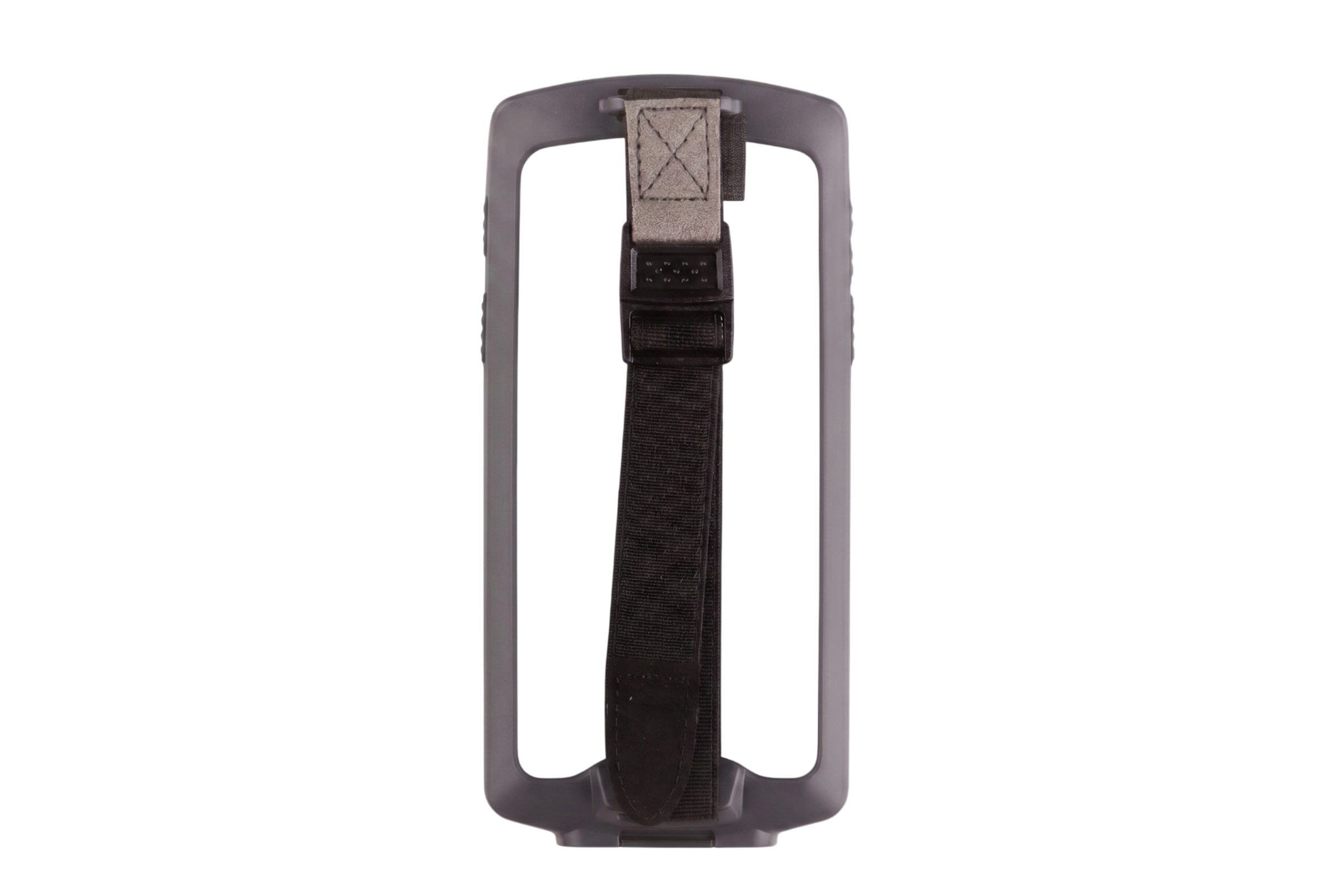
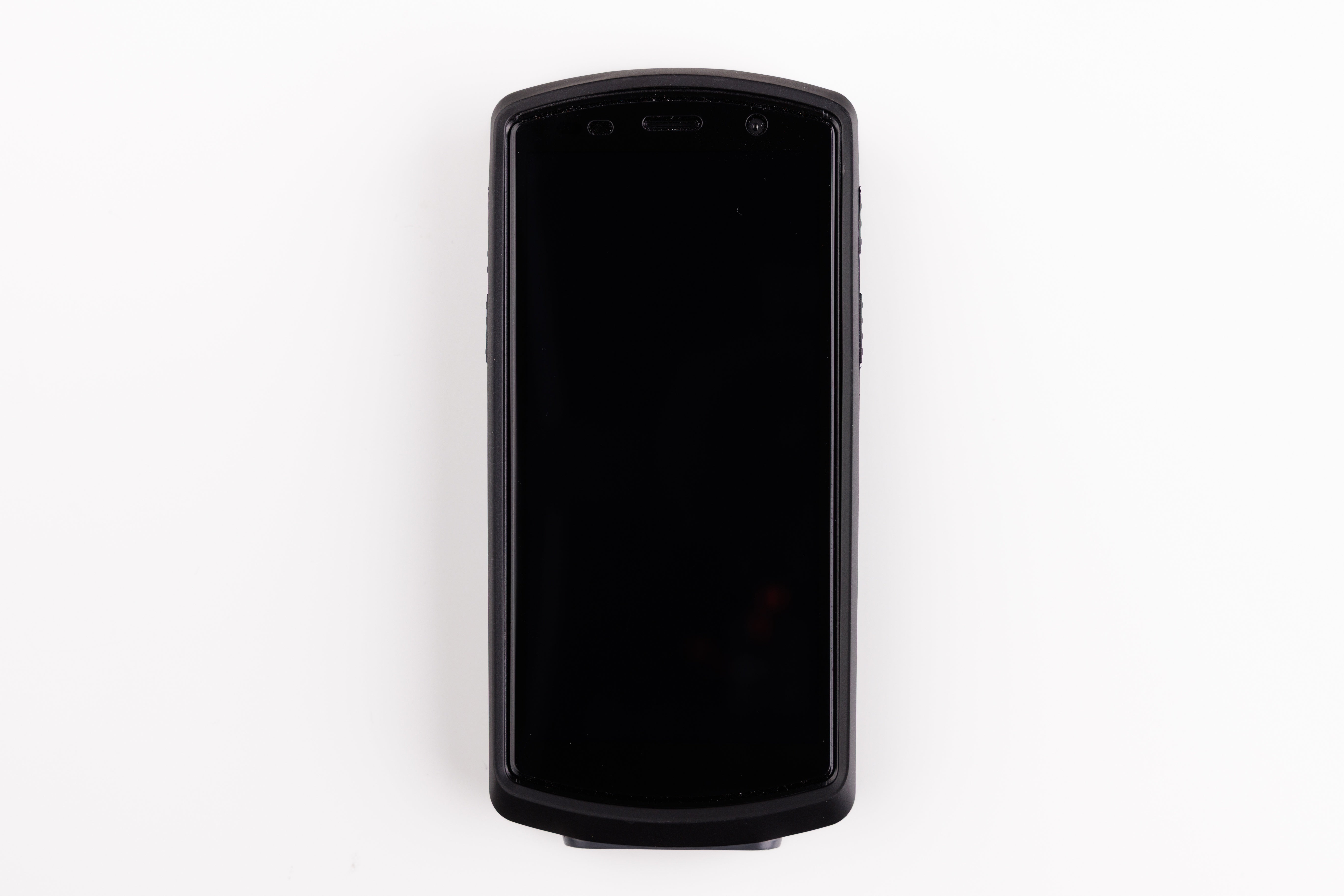
Keep your inFlow Smart Scanner 3 protected and ready for a full shift with the official Grip Case. Designed for warehouse workers, inventory teams, and field technicians running barcode scanning workflows in inFlow Inventory, this case combines solid drop protection with a comfortable, fatigue-reducing hand strap.
The adjustable elastic wrist strap with heavy-duty metal buckle locks the scanner firmly in your palm — ideal for fast-moving pick-and-pack, receiving, or retail floor operations where a dropped device means lost time.
The case ships with a removable pogo pin charging adapter that snaps onto the bottom of the case. When you do not need it, it pulls off cleanly and stows away. No case removal required for charging via the usb-c port, and no permanent modifications to the case.
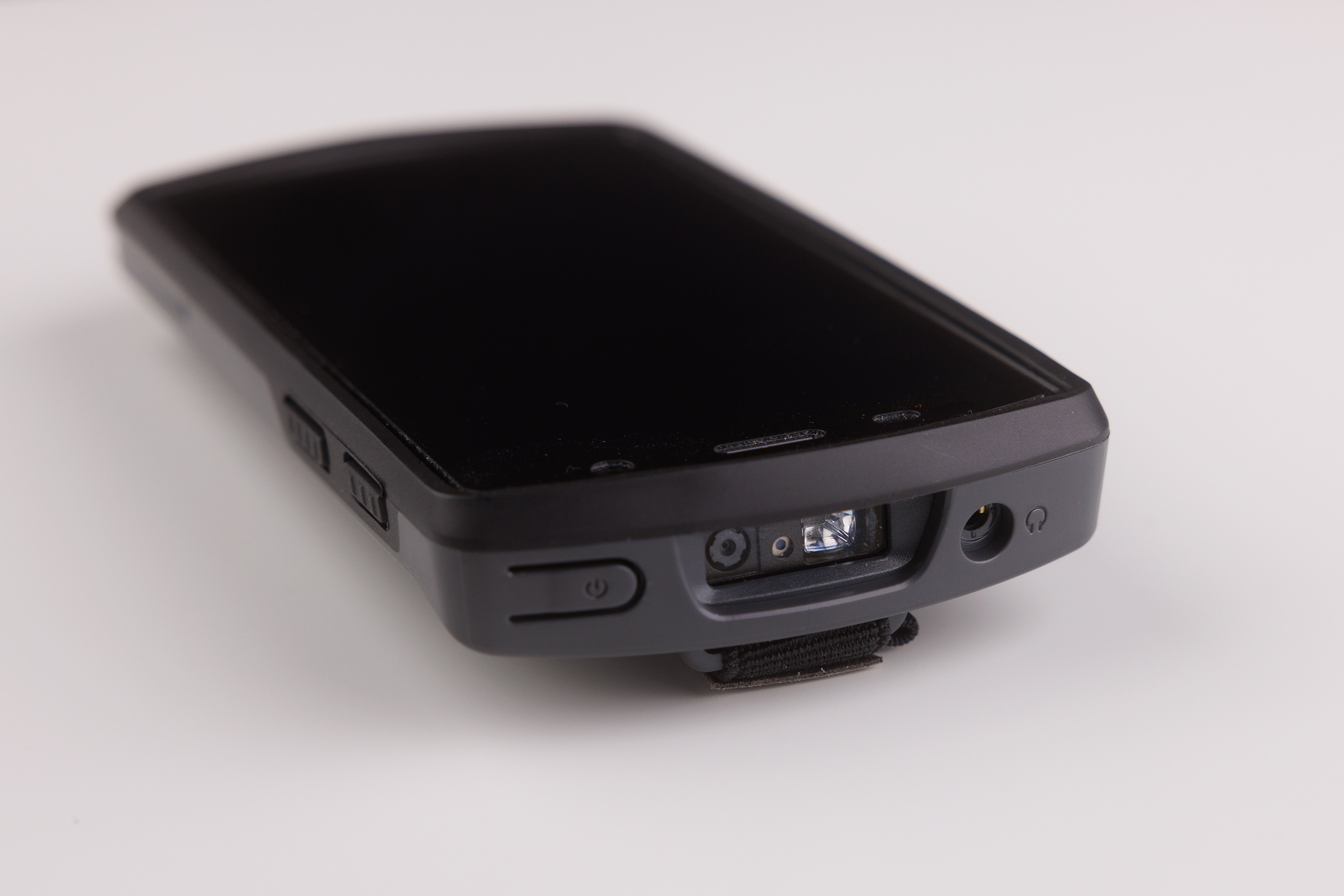
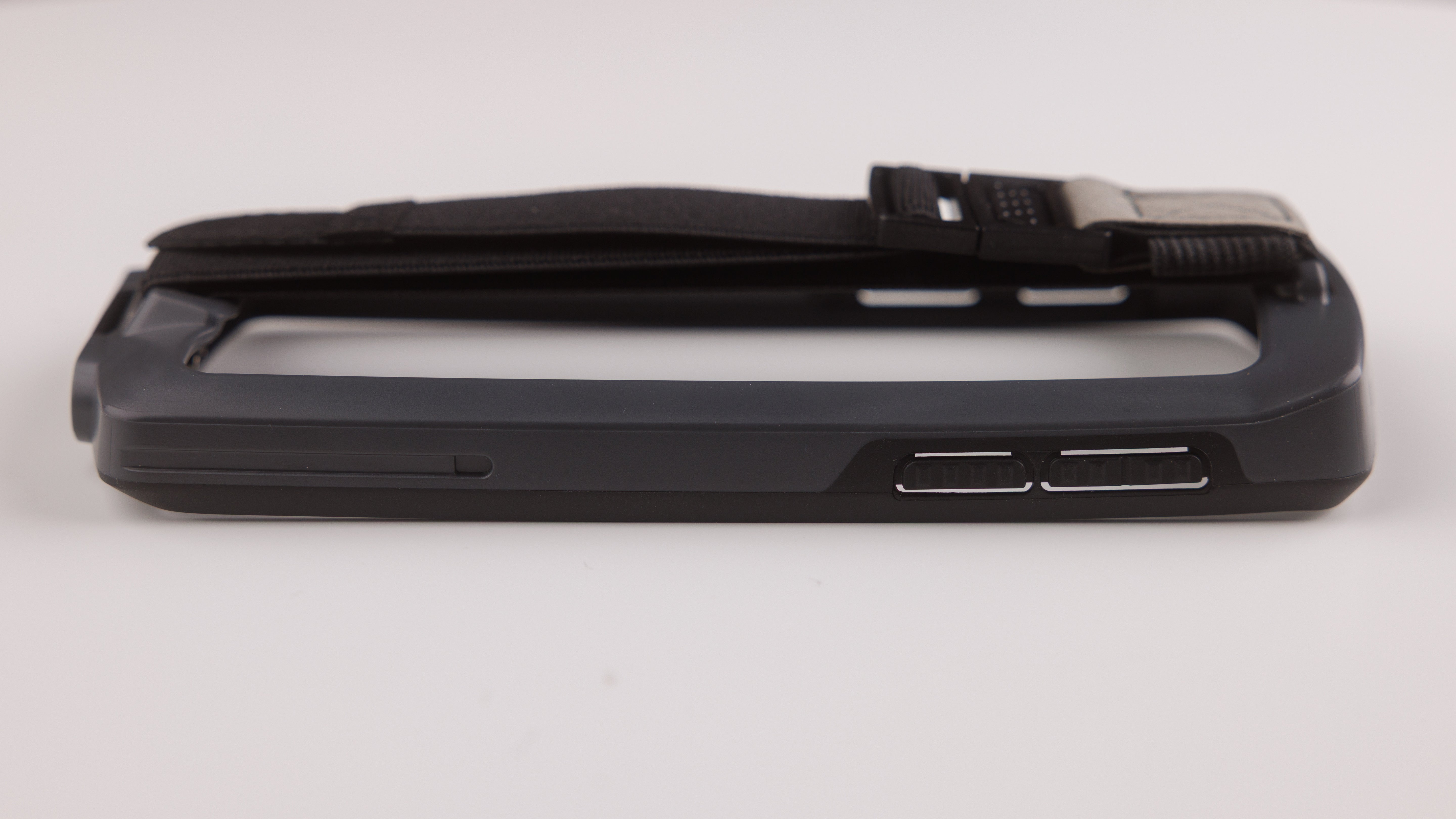
A precision-molded TPU and polycarbonate bumper frame protects corners and screen edges during drops and bumps. Every button, port, scan window, camera, and headphone jack remains fully accessible through purpose-built cutouts.
Not waterproof or IP-rated. Designed for indoor warehouse, stockroom, and retail environments.
Compatible exclusively with the inFlow Smart Scanner 3.
Features:
- Ergonomic hand strap for all-day scanning — Adjustable elastic strap with metal buckle prevents fatigue and drops during high-volume pick-and-pack or stocktake operations
- Charge-through pogo-pin design — Dual 4-pin magnetic pogo contacts remain fully exposed so the Smart Scanner 3 charges on any compatible dock without removing the case
- Full-access bumper protection — Raised TPU frame guards the screen, corners, and body while all buttons, ports, scan window, camera, and headphone jack remain unobstructed
- Built for inFlow Inventory workflows — Optimized for barcode scanning in warehouses, stockrooms, and retail environments; compatible with Smart Scanner 3 docking cradles.
- Exact-fit design — Precision-molded for the Smart Scanner 3 only; secure snap-on installation with no wobble or added bulk
Pairs well with
inFlow Smart Scanner 3 Grip Case with Hand Strap & Removable Pogo Pin Charging Adapter
FAQs
1. Does the inFlow Portable Label Printer require proprietary labels?
No. Unlike many competitors, this printer supports universal 3-inch thermal labels (up to 76mm wide) from any brand, allowing you to save on supply costs.
2. Is this printer compatible with Mac and Windows?
Yes. The inFlow Portable Label Printer includes dedicated drivers for both Windows and Mac, ensuring seamless integration with desktop warehouse setups.
3. Can I print labels directly from the inFlow mobile app?
Absolutely. It is specifically engineered for seamless integration with inFlow Inventory, allowing you to trigger wireless printing directly from the mobile app during receiving or picking.
4. What is the maximum label width supported?
This printer supports a maximum label width of 76mm (3 inches), making it versatile for shipping labels, bin tags, and product barcodes.
5. Can the inFlow Portable Printer print in both vertical and horizontal orientations?
Yes. The inFlow Portable 3-inch Label Printer supports both vertical (portrait) and horizontal (landscape) printing. When paired with the inFlow Inventory Label Designer, you have full control over the layout, allowing you to rotate barcodes, text, and logos to fit your specific labeling needs. This flexibility is ideal for creating custom bin tags, narrow shelf labels, or standard product barcodes.
6. Can I use the same printer on multiple Wi-Fi networks?
Yes, you can use the same printer with multiple wireless networks by reinstalling the printer driver. This will establish a connection between the printer and the desired Wi-Fi network you’re using.
7. If a printer is connected to Wi-Fi, does it still require a computer to be turned on and connected to the inFlow Printer Helper (IPH)?
Yes, the computer with IPH connects inFlow’s label printing features to the printer, whether connected via Wi-Fi or USB.
8. What is the warranty for the inFlow Label Printer?
We offer a 1-year limited hardware warranty, which is extended to 2 years for active inFlow Inventory subscribers.
9. Do I need ink or toner for this printer?
No. This is a direct thermal printer, meaning it uses heat-sensitive paper to create images, eliminating the need for expensive ink, toner, or ribbons.
10. Can this printer only be used with inFlow Inventory software?
No. While the printer is natively optimized for inFlow Inventory for a "plug-and-play" experience, it is a versatile thermal printer that works with a wide range of applications. Because it includes standard Windows and Mac drivers, you can print labels from third-party software, including Excel, Word, Shopify, and other shipping or warehouse management systems (WMS) via a USB-C or Wi-Fi connection.
If you have any questions, you are always welcome to contact us. We'll get back to you as soon as possible, within 24 hours on weekdays.
-
Shipping Information
Use this text to answer questions in as much detail as possible for your customers.
-
Customer Support
Use this text to answer questions in as much detail as possible for your customers.
-
FAQ’s
Use this text to answer questions in as much detail as possible for your customers.
-
Contact Us
Use this text to answer questions in as much detail as possible for your customers.