


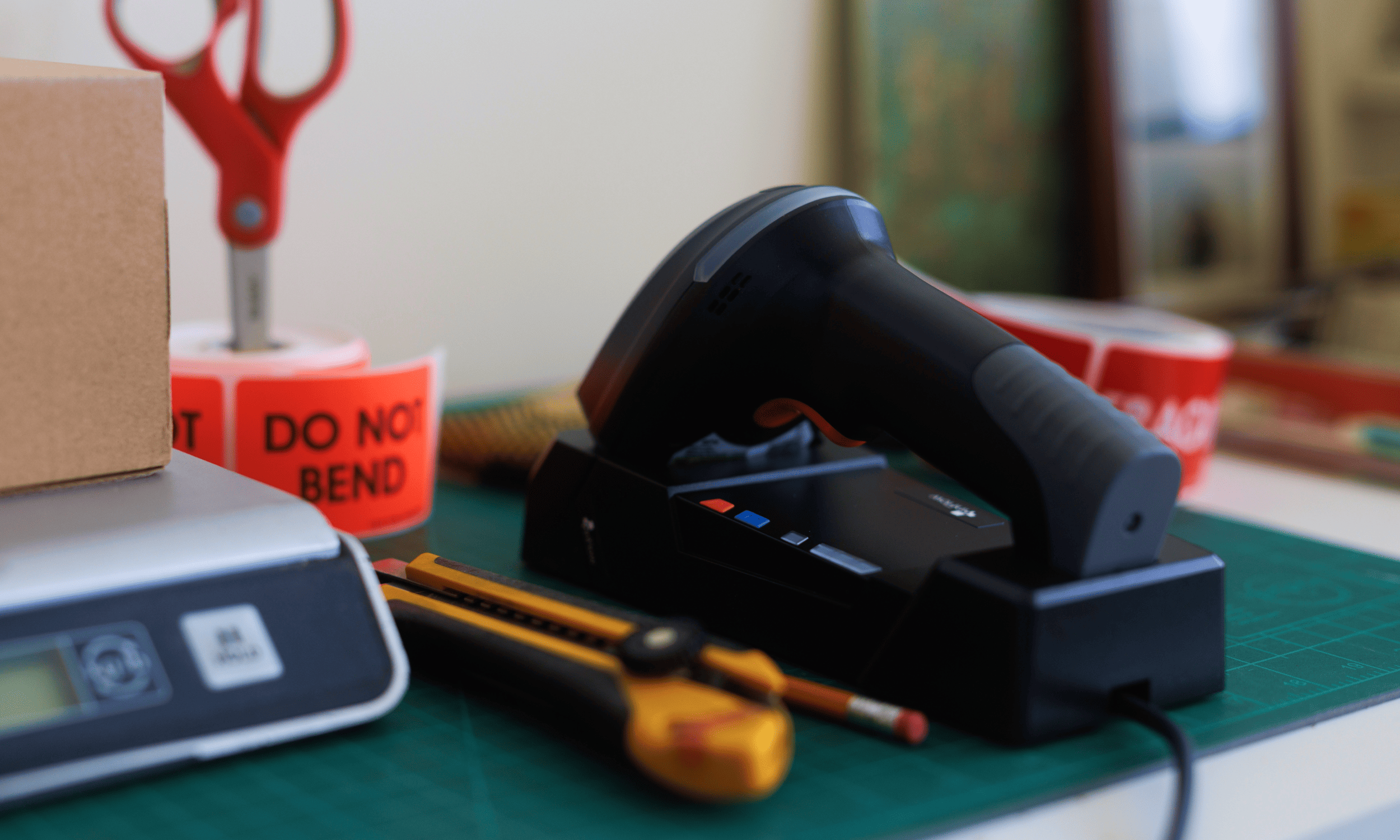
inFlow Rugged Bluetooth Scanner — Scans 1D, 2D & QR Barcodes
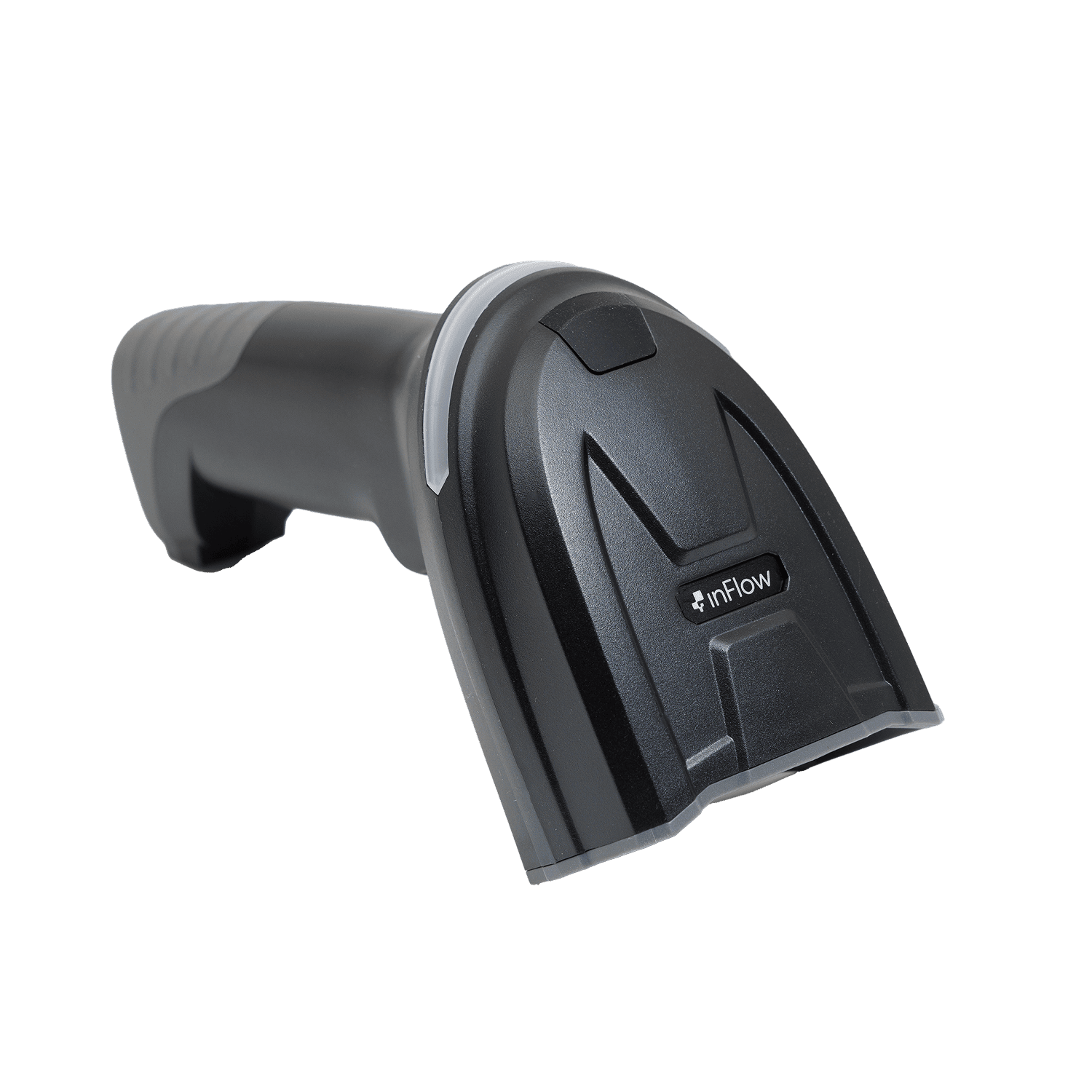
Introducing the inFlow Rugged Bluetooth Scanner: a high-performance, ultra-durable barcode scanner designed to meet the rigorous demands of any warehouse or store environment.
- Advanced Decoding Capabilities: The inFlow Rugged Bluetooth Scanner can scan virtually any 1D barcode, 2D barcode, or QR code you throw at it — including Code 128, Code 39, UPC/EAN, Data Matrix, PDF417, and QR codes. Equipped with a professional scanning engine and a high-resolution 1280×1080 pixel CMOS sensor, it can also decode Direct Part Marking (DPM) codes on surfaces treated with laser engraving, dot peening, chemical etching, and ink marking.
- Wireless Connectivity for Scanning Freedom: Equipped with Bluetooth 5.0, the inFlow Rugged Bluetooth Scanner lets your team scan 1D barcodes, 2D barcodes, and QR codes from anywhere in the workplace — no cords, no limits. A wireless range of up to 100 meters enhances flexibility and productivity across large warehouse floors, stockrooms, and retail spaces.
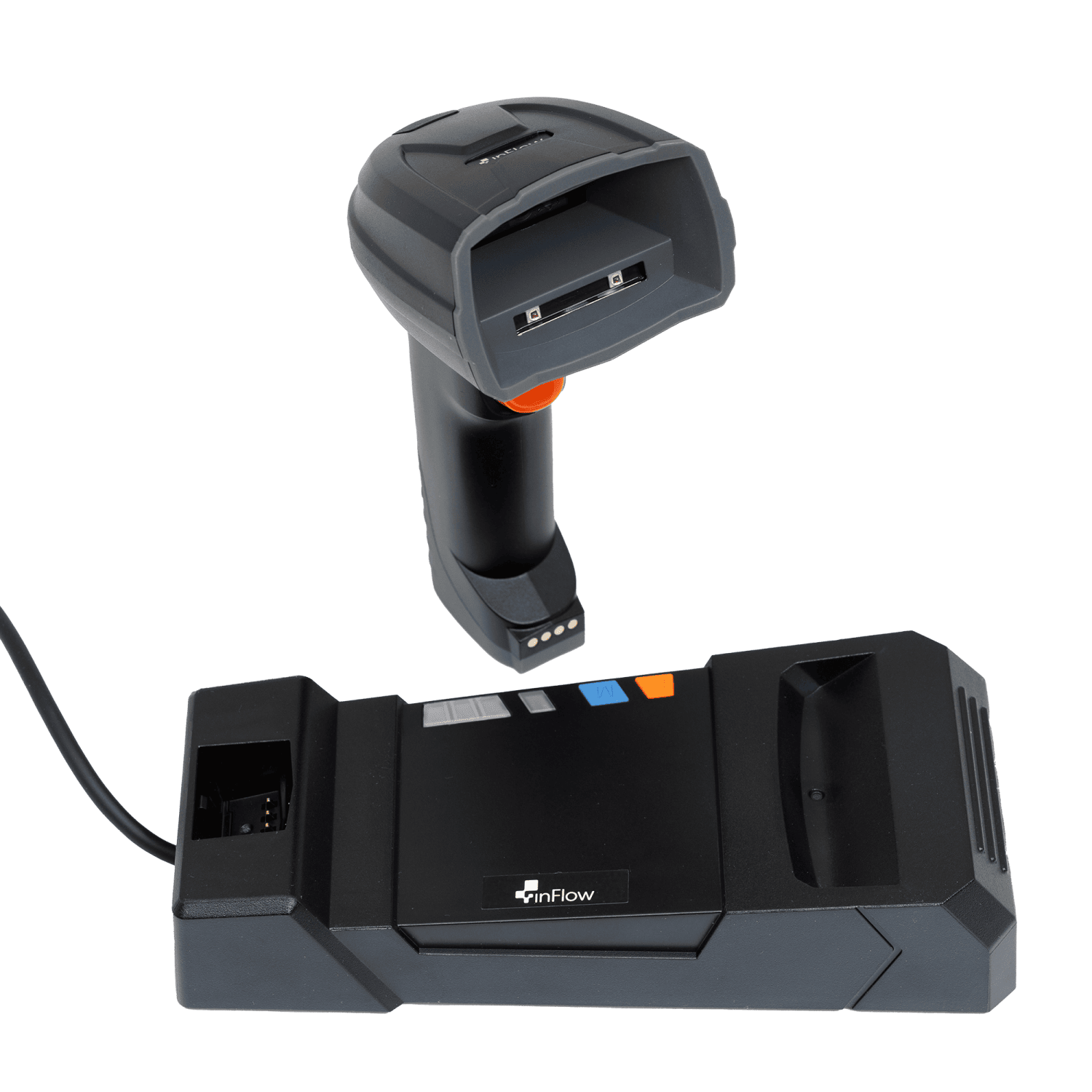
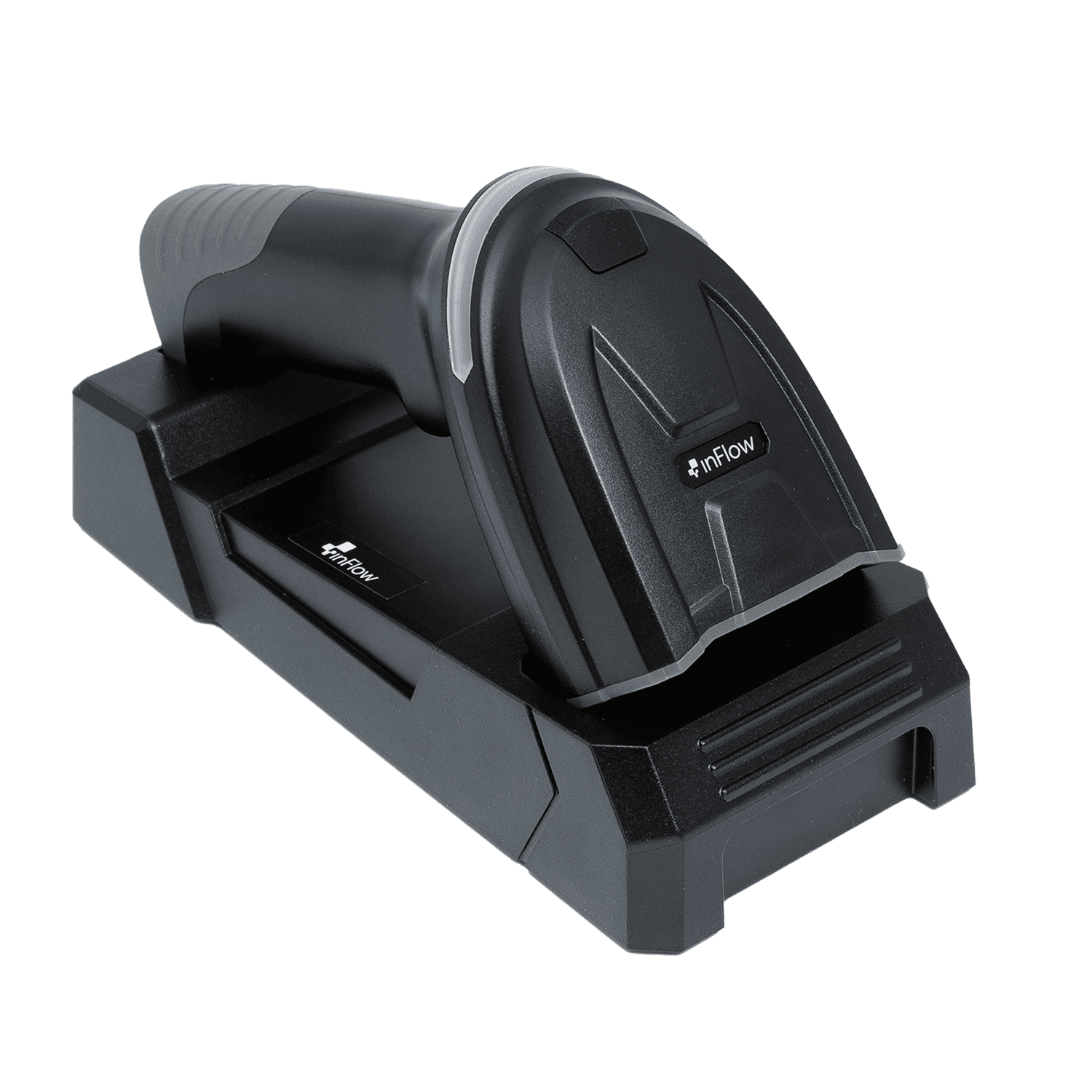
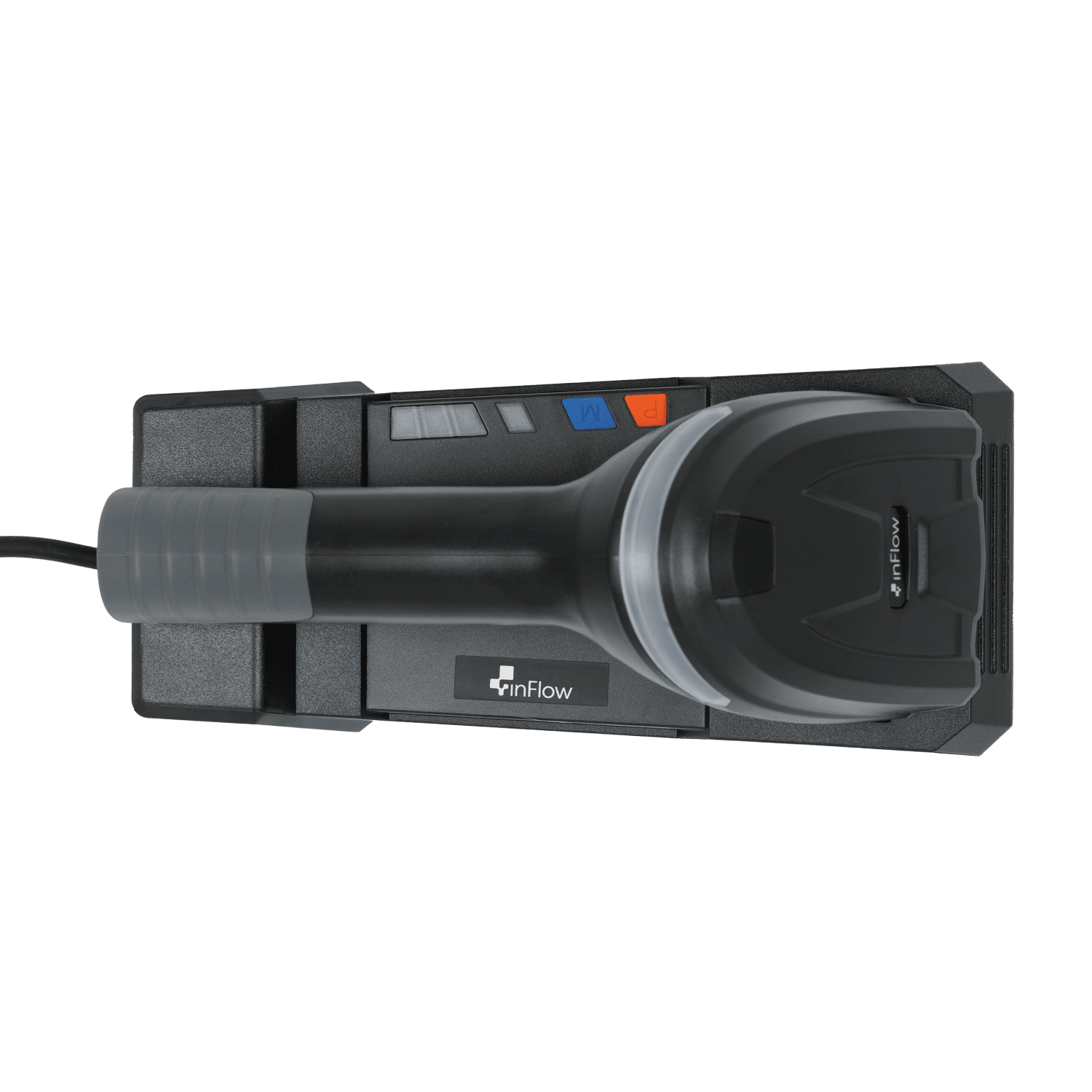
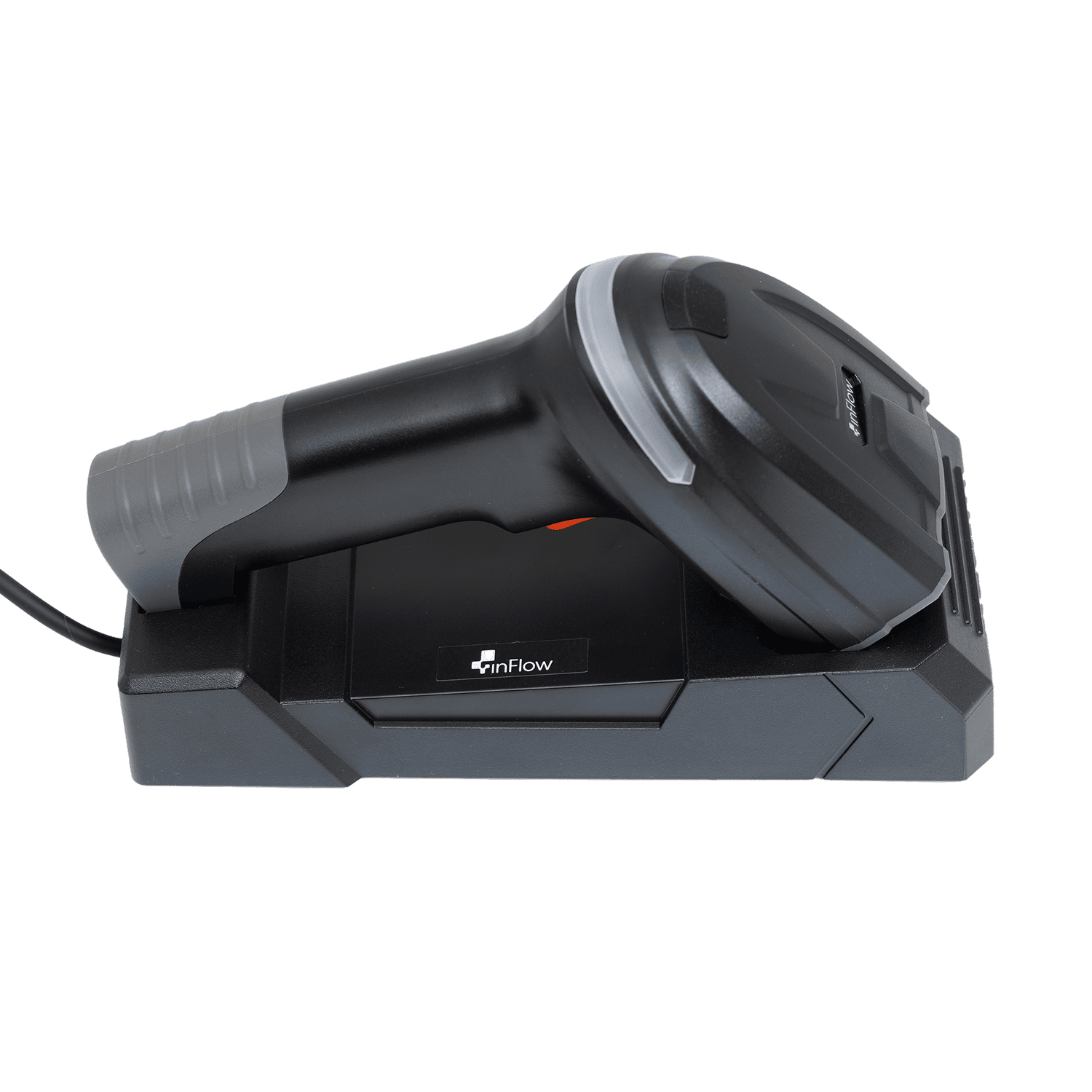
- Flexible Connectivity Options: Connect directly to any Bluetooth-enabled device for immediate wireless scanning freedom, or use the included charging cradle for a stable, simultaneous charge-and-scan setup — ensuring uninterrupted workflow no matter how your team operates.
- Dual-Color Variable Illumination: A switchable red and warm white LED lighting system automatically adjusts based on barcode type and surface condition — including low-contrast, reflective, curved, and varied backgrounds — so QR codes and 2D barcodes read cleanly every time.
- High-Capacity Battery for a Full Shift: A 3,200 mAh battery and included charging cradle deliver up to 25 hours of continuous scanning and up to 40,000 scans on a single charge, keeping your team scanning through every shift without interruption.
- Plug-and-Play with Multi-System Compatibility: Supports the standard USB-HID protocol for plug-and-play setup with Windows, Android, Mac and more — no drivers needed. Works seamlessly with inFlow Inventory and other software right out of the box.
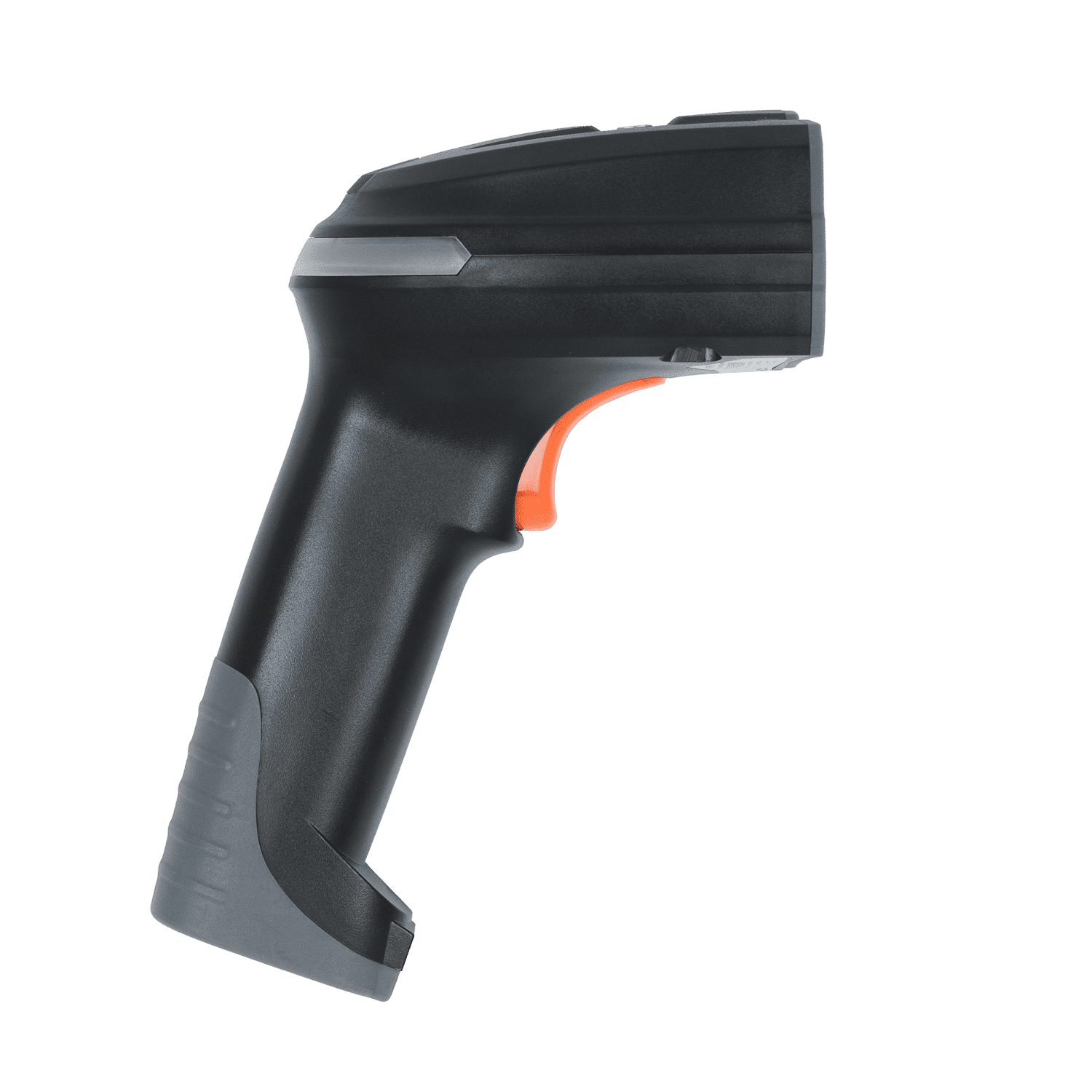
- Ultra-Rugged Design: Built for the toughest environments, the inFlow Rugged Bluetooth Scanner carries an IP54 rating for dust and water resistance and survives drops of up to 1.8 meters — ready for demanding warehouse, stockroom, or retail use.
- Triple Scanning Feedback Modes: Real-time confirmation through vibration, buzzer, and LED indicator ensures your team never misses a scan, even in noisy or high-activity environments.
Warranty:
-
1 year limited warranty *Bonus: Your hardware is covered for a full 2 years as long as you maintain an active inFlow subscription.
FAQ:
-
Does this scanner work over Bluetooth, or do I need to plug it in?
It's built with Bluetooth 5.0, so you can scan wirelessly from up to 100 meters away from your computer or mobile device. If you'd rather go wired, it also connects over USB-HID for a simple plug-and-play setup, no drivers needed. -
How far away can I be from my computer while scanning?
With Bluetooth 5.0 you get a wireless range of up to 100 meters, so you can walk a warehouse floor or move between stockroom aisles without losing the connection back to your computer or POS. -
What comes with the scanner?
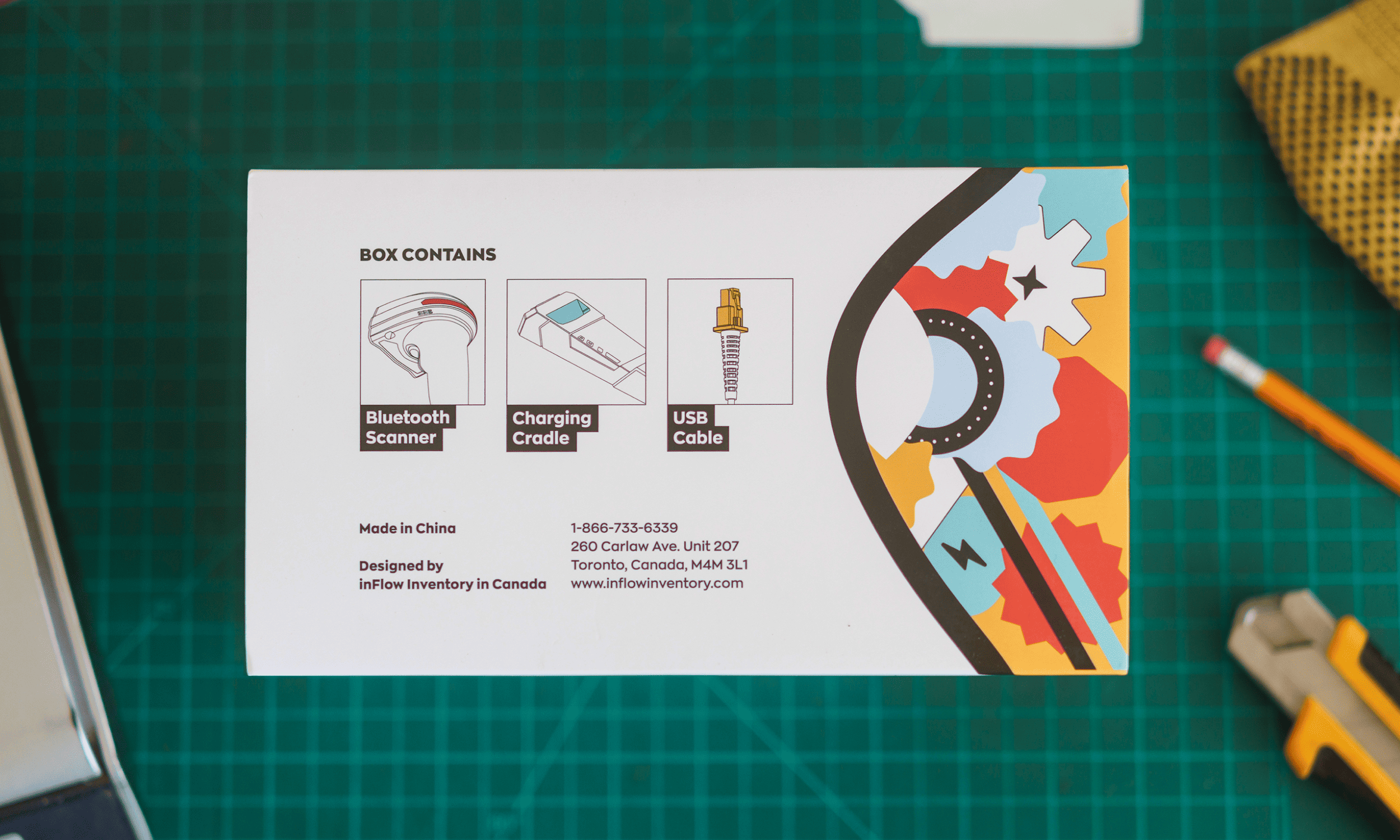
Every order includes the scanner itself, a charging cradle, and a USB-A cable that plugs into the cradle. The connector on the cradle end looks a bit like an ethernet port, but it's just there for charging and data, nothing networking-related. -
How long does the battery last?
It runs on a 3,200 mAh battery rated for up to 25 hours of continuous scanning, or about 40,000 scans per charge, enough to get through a full shift without docking it. -
Is it tough enough for a warehouse or retail floor?
Yes. It carries an IP54 rating for dust and water resistance and can survive drops from up to 1.8 meters, so day-to-day drops, dust, and the odd spill won't slow it down. -
Can it scan 1D, 2D, and QR codes?
Yes, it reads pretty much every common format, including Code 128, Code 39, UPC/EAN, Data Matrix, PDF417, and QR codes, thanks to a professional scan engine and a 1280x1080 pixel CMOS sensor. -
Can it read barcodes that are scratched, faded, or etched into metal?
Yes. On top of standard printed barcodes, it can decode Direct Part Marking codes, the kind made by laser engraving, dot peening, chemical etching, or ink marking, which makes it useful for scanning parts and equipment, not just paper labels. -
Will it work with inFlow Inventory right out of the box?
Yes. It connects over USB-HID, so it acts as a true plug-and-play device with inFlow Inventory and most other inventory or POS software on Windows, Mac, or Android, no extra setup or drivers required. -
Can I connect it to more than one device at a time?
No, it pairs with one device at a time. If you want to use it with a different computer or phone, you'll need to re-pair it rather than switching back and forth on the fly. -
What's the warranty?
It comes with a 1-year standard hardware warranty. Keep an active inFlow Inventory subscription and that coverage extends to a full 2 years.
Pairs well with
inFlow Rugged Bluetooth Scanner — Scans 1D, 2D & QR Barcodes
If you have any questions, you are always welcome to contact us. We'll get back to you as soon as possible, within 24 hours on weekdays.
-
Shipping Information
Use this text to answer questions in as much detail as possible for your customers.
-
Customer Support
Use this text to answer questions in as much detail as possible for your customers.
-
FAQ’s
Use this text to answer questions in as much detail as possible for your customers.
-
Contact Us
Use this text to answer questions in as much detail as possible for your customers.