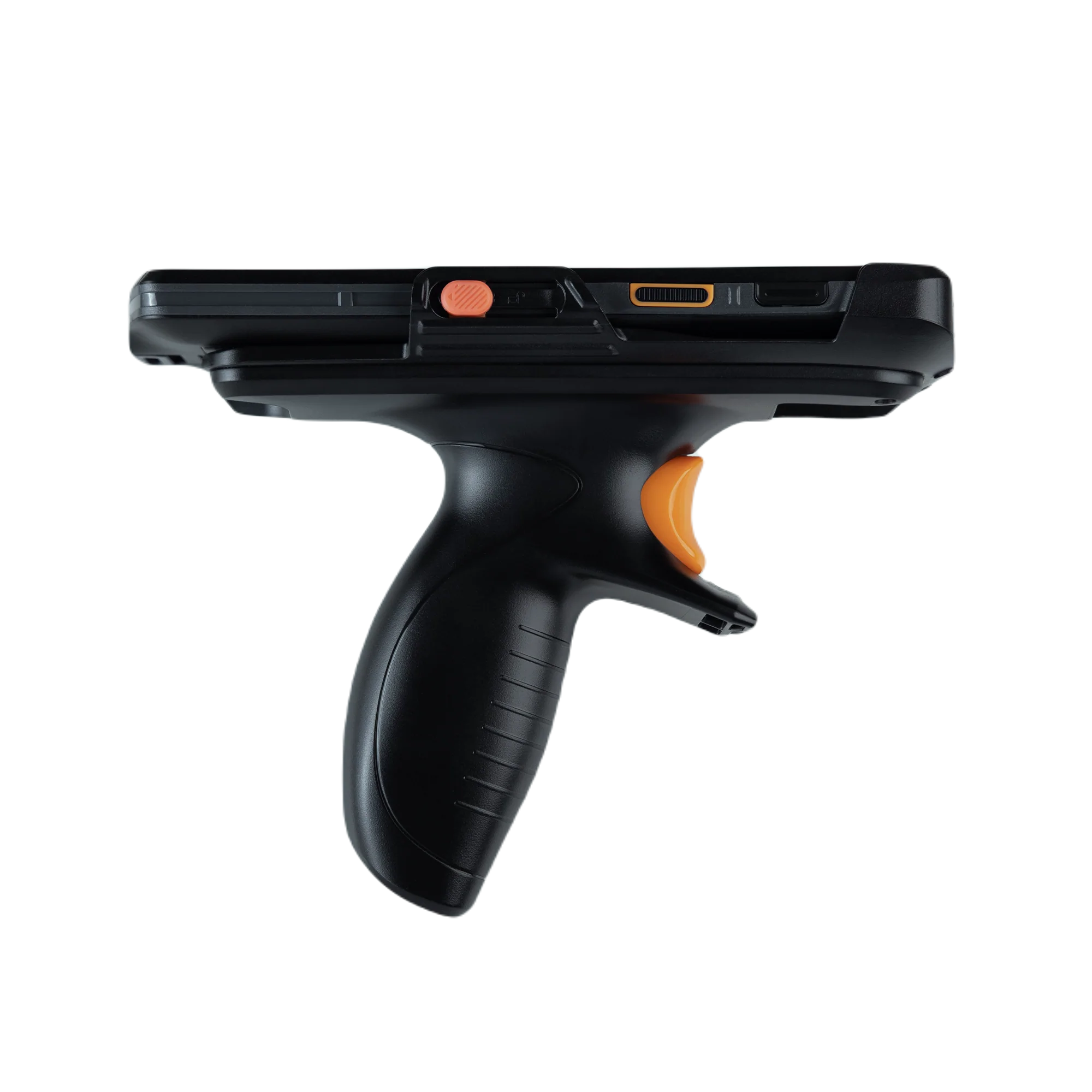
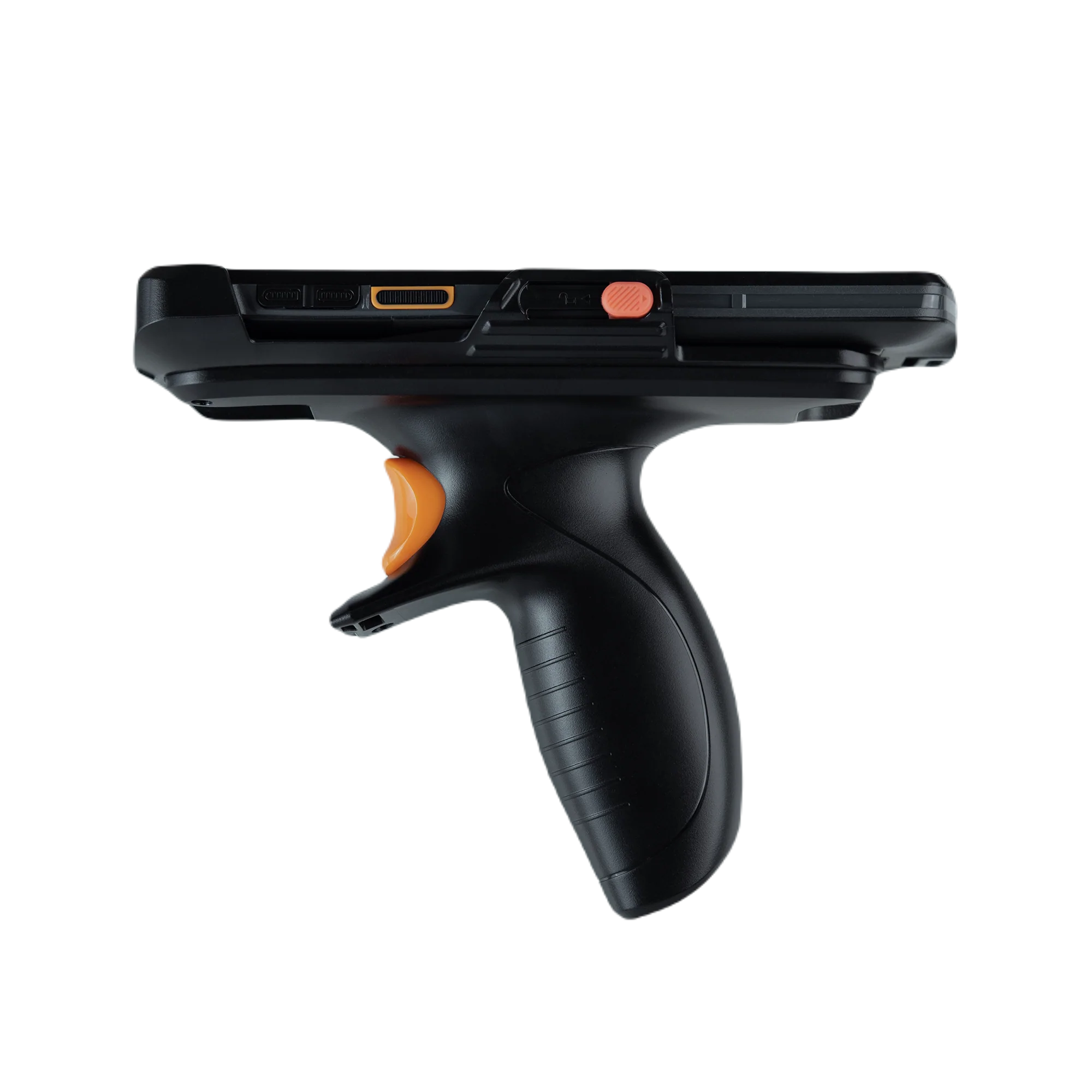
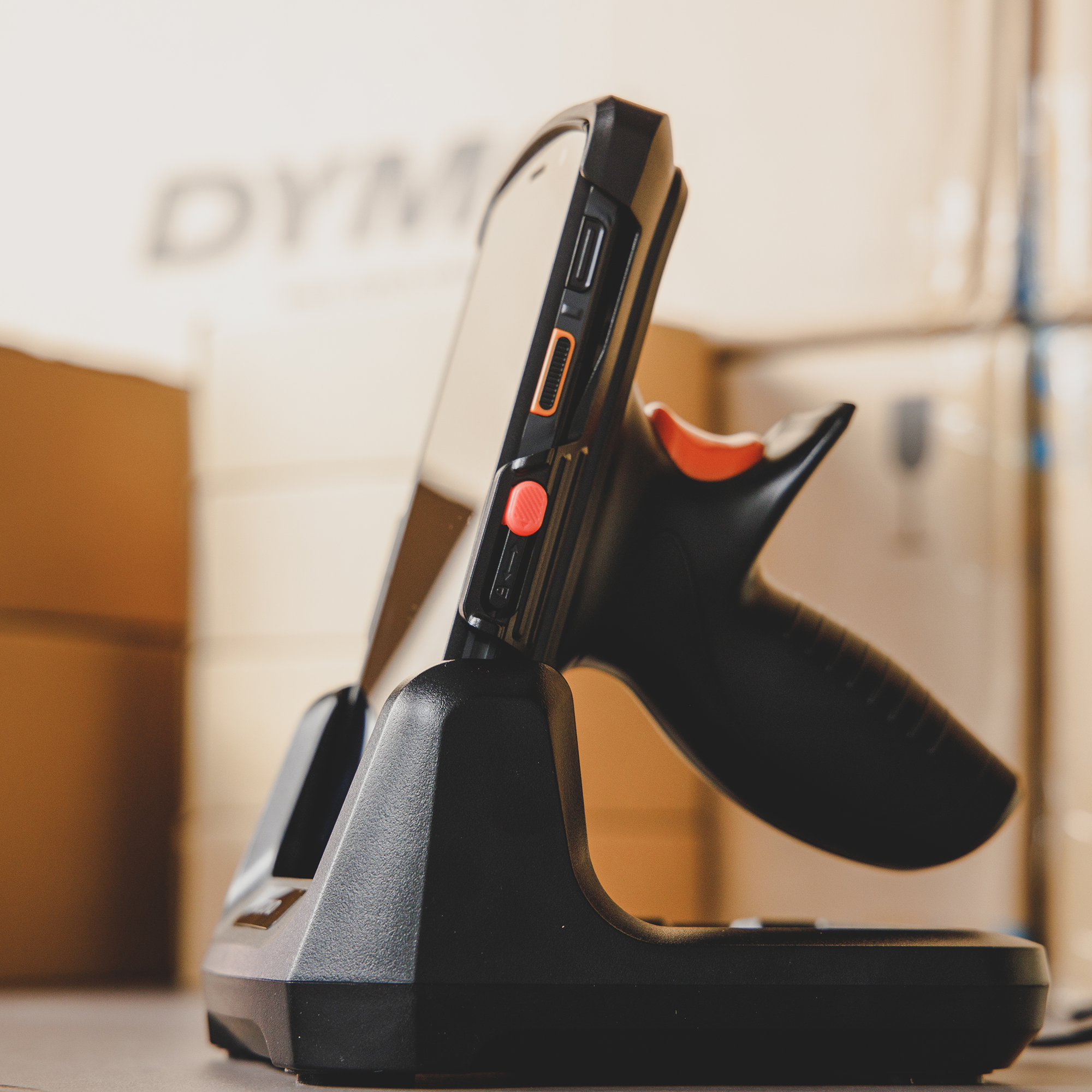
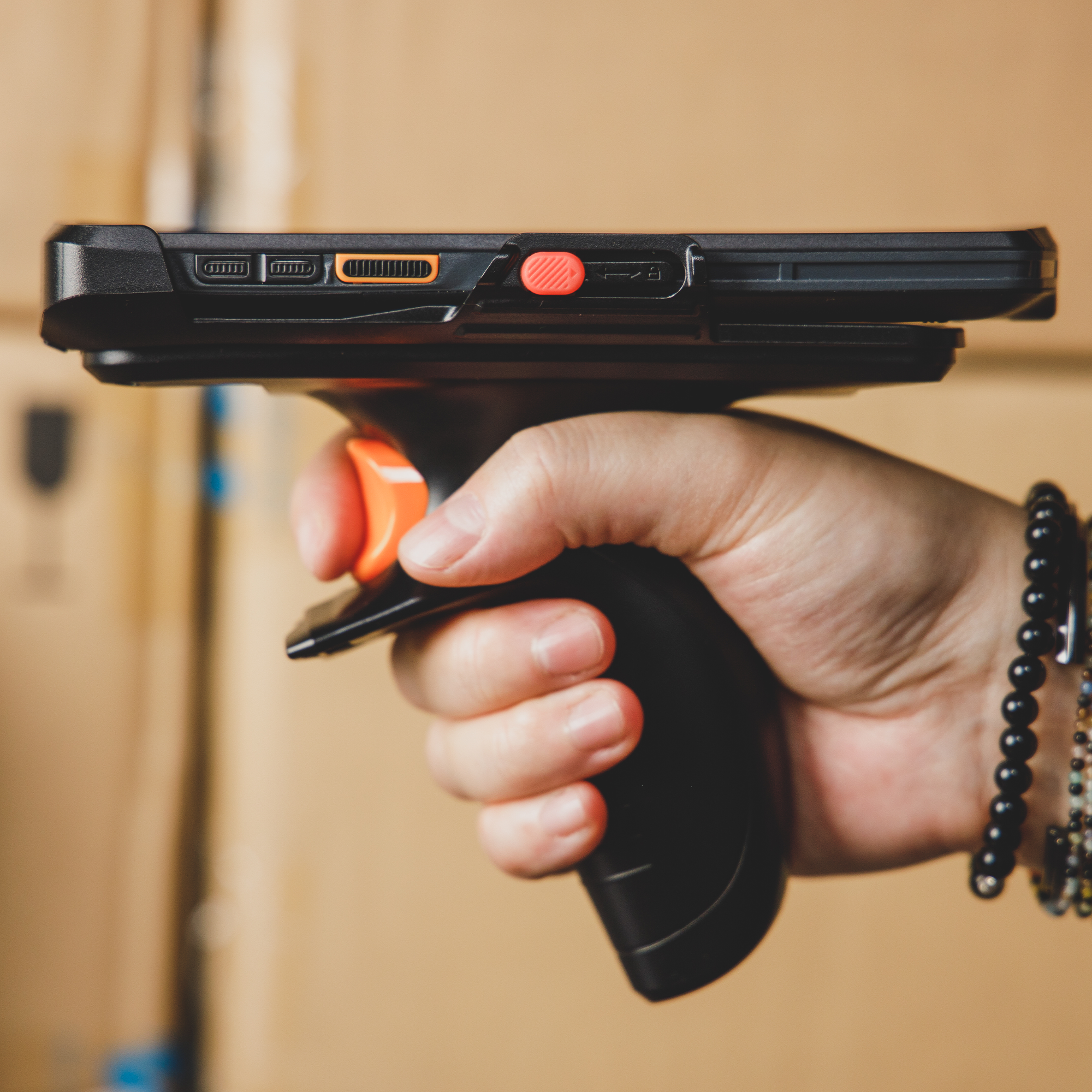


inFlow Smart Barcode Scanner Hand Grip
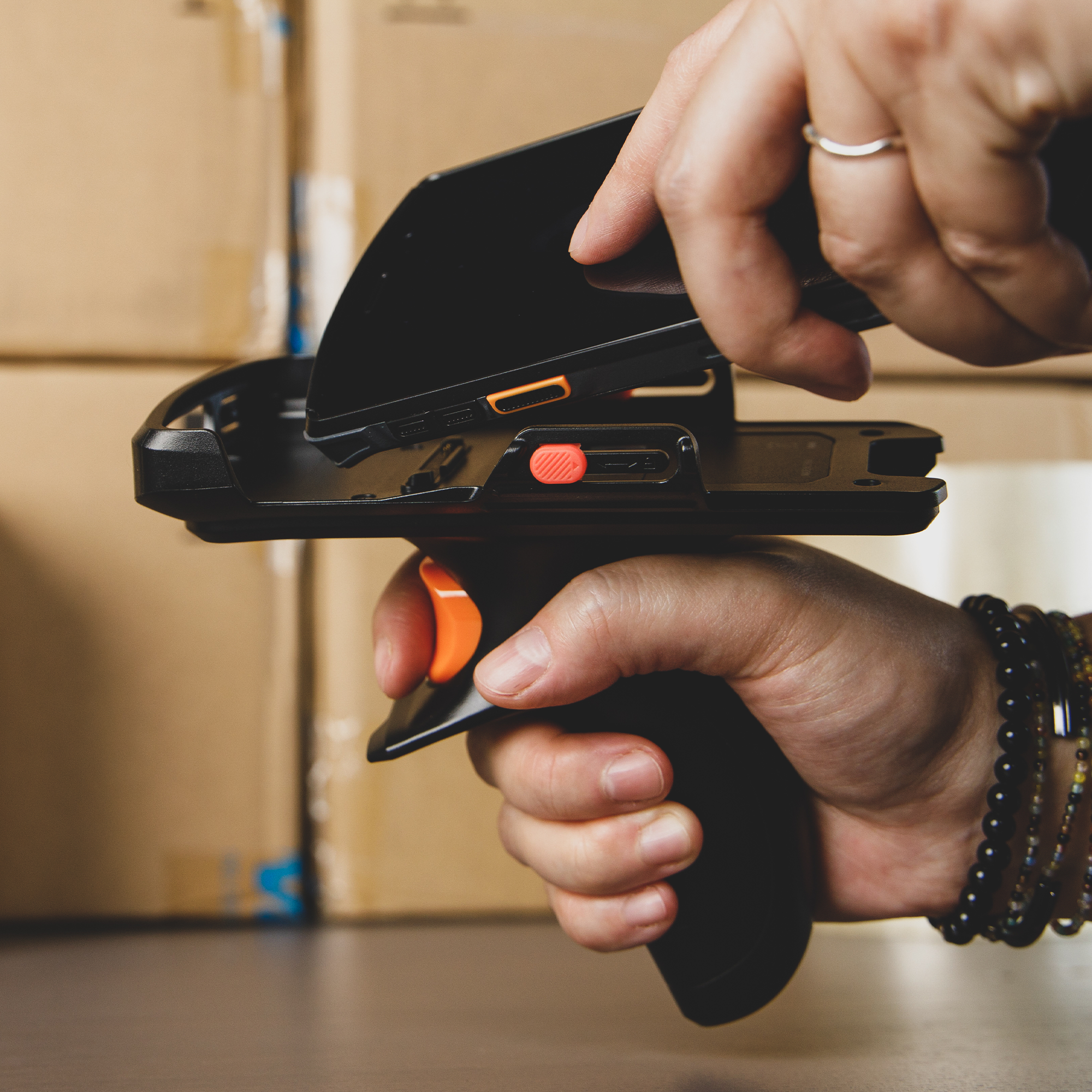
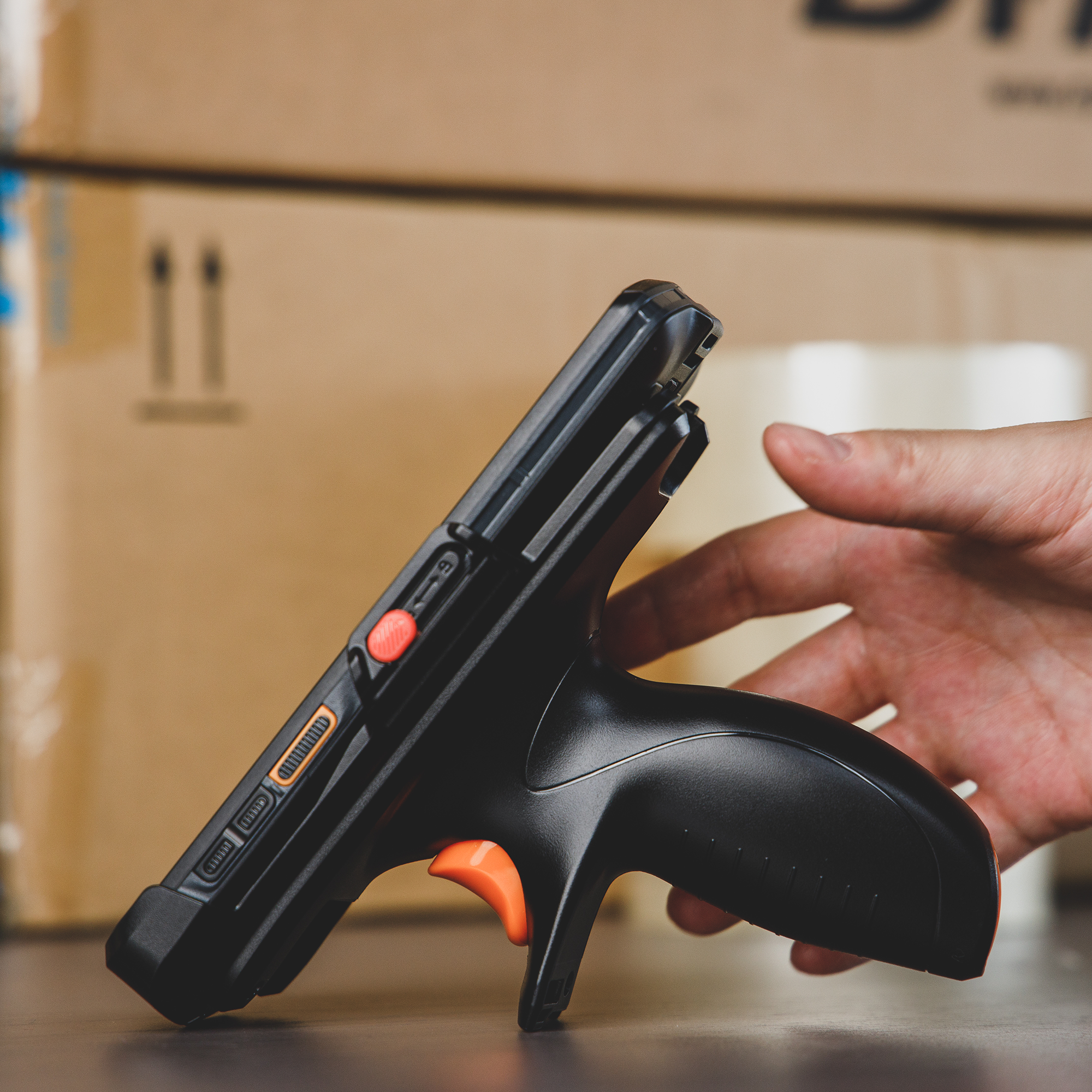
inFlow Smart Scanner Hand Grip makes it easier to hold and use your Smart Scanner. Simply point and shoot any barcode for a near instant reading.
Compatibility:
- works with inFlow Smart Scanner 2 and 3
Warranty:
- Hardware (including all accessories): 1 year limited warranty *Bonus: Your hardware is covered for a full 2 years as long as you maintain an active inFlow subscription.
Pairs well with

inFlow Smart Barcode Scanner Hand Grip
FAQs
1. Does the inFlow Portable Label Printer require proprietary labels?
No. Unlike many competitors, this printer supports universal 3-inch thermal labels (up to 76mm wide) from any brand, allowing you to save on supply costs.
2. Is this printer compatible with Mac and Windows?
Yes. The inFlow Portable Label Printer includes dedicated drivers for both Windows and Mac, ensuring seamless integration with desktop warehouse setups.
3. Can I print labels directly from the inFlow mobile app?
Absolutely. It is specifically engineered for seamless integration with inFlow Inventory, allowing you to trigger wireless printing directly from the mobile app during receiving or picking.
4. What is the maximum label width supported?
This printer supports a maximum label width of 76mm (3 inches), making it versatile for shipping labels, bin tags, and product barcodes.
5. Can the inFlow Portable Printer print in both vertical and horizontal orientations?
Yes. The inFlow Portable 3-inch Label Printer supports both vertical (portrait) and horizontal (landscape) printing. When paired with the inFlow Inventory Label Designer, you have full control over the layout, allowing you to rotate barcodes, text, and logos to fit your specific labeling needs. This flexibility is ideal for creating custom bin tags, narrow shelf labels, or standard product barcodes.
6. Can I use the same printer on multiple Wi-Fi networks?
Yes, you can use the same printer with multiple wireless networks by reinstalling the printer driver. This will establish a connection between the printer and the desired Wi-Fi network you’re using.
7. If a printer is connected to Wi-Fi, does it still require a computer to be turned on and connected to the inFlow Printer Helper (IPH)?
Yes, the computer with IPH connects inFlow’s label printing features to the printer, whether connected via Wi-Fi or USB.
8. What is the warranty for the inFlow Label Printer?
We offer a 1-year limited hardware warranty, which is extended to 2 years for active inFlow Inventory subscribers.
9. Do I need ink or toner for this printer?
No. This is a direct thermal printer, meaning it uses heat-sensitive paper to create images, eliminating the need for expensive ink, toner, or ribbons.
10. Can this printer only be used with inFlow Inventory software?
No. While the printer is natively optimized for inFlow Inventory for a "plug-and-play" experience, it is a versatile thermal printer that works with a wide range of applications. Because it includes standard Windows and Mac drivers, you can print labels from third-party software, including Excel, Word, Shopify, and other shipping or warehouse management systems (WMS) via a USB-C or Wi-Fi connection.
If you have any questions, you are always welcome to contact us. We'll get back to you as soon as possible, within 24 hours on weekdays.
-
Shipping Information
Use this text to answer questions in as much detail as possible for your customers.
-
Customer Support
Use this text to answer questions in as much detail as possible for your customers.
-
FAQ’s
Use this text to answer questions in as much detail as possible for your customers.
-
Contact Us
Use this text to answer questions in as much detail as possible for your customers.